Tile Forge
A tile editor with terrain and object layers, a map preview, validation and a playable Sokoban test.
Run it
Build examples with devenv shell -- lcom-ng-build, then:
sh
lcom-ng run -- build/examples/tilemap_editor build/tilemap_demo.mlmapControls
| Control | Action |
|---|---|
| 1-5 | Floor / wall / goal / crate / player |
| Mouse drag / right-click | Paint / pick tile |
| Arrows + Space | Move tile cursor and paint |
| Delete | Erase the tile under the cursor |
| Enter / F5 | Switch editor / playtest |
| Arrows / WASD in playtest | Move player |
| U / R in playtest | Undo move / reset puzzle |
| Cmd/Ctrl+Z / Cmd/Ctrl+Shift+Z (Ctrl+Y) | Undo / redo map edit |
| V / G | Validate / toggle grid |
| Cmd/Ctrl+S / S / F2 | Save map |
| Esc in playtest | Return to editor |
| F1 / ? button | Shortcuts |
In the app
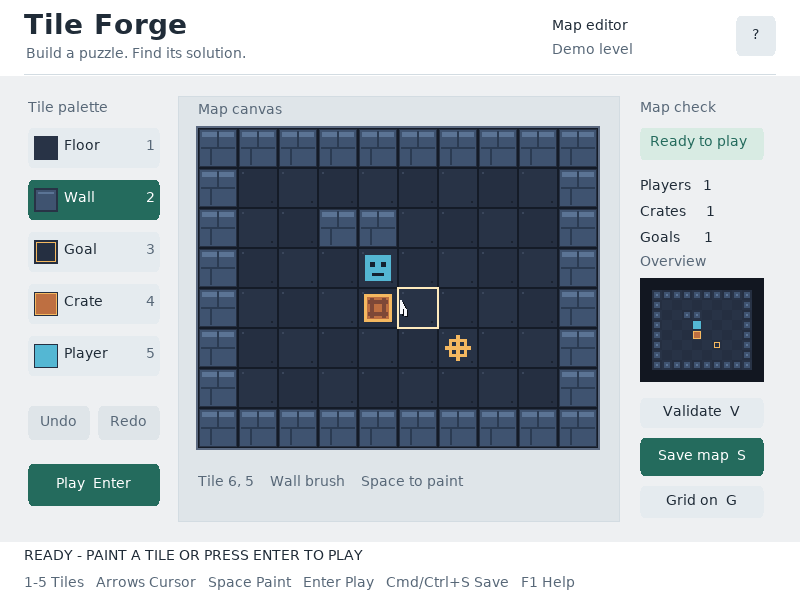
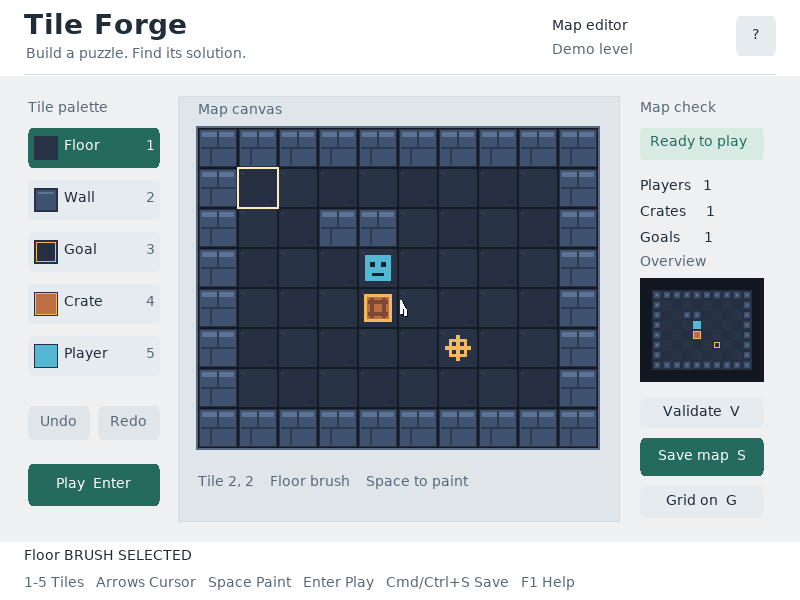
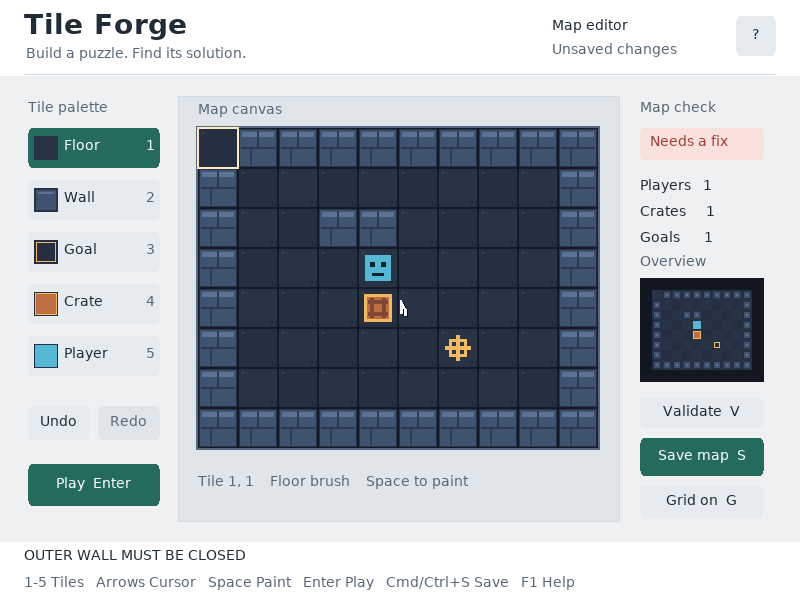
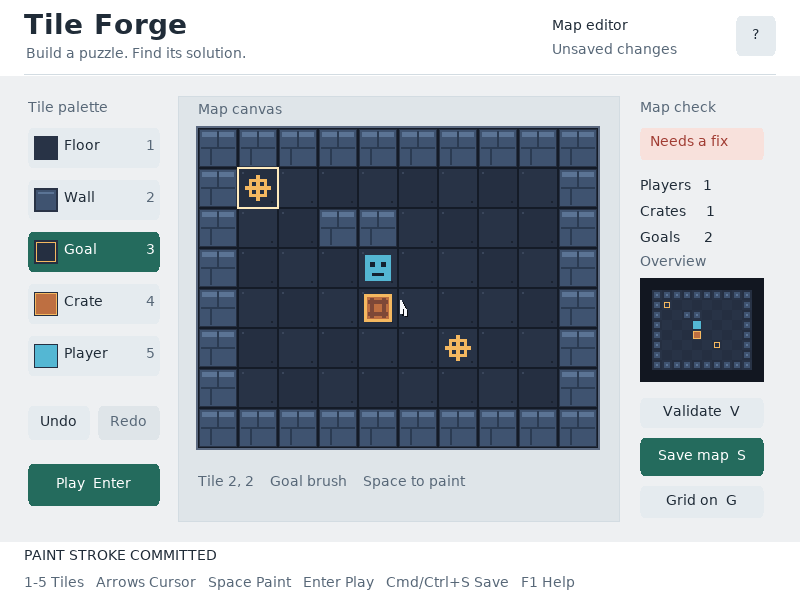
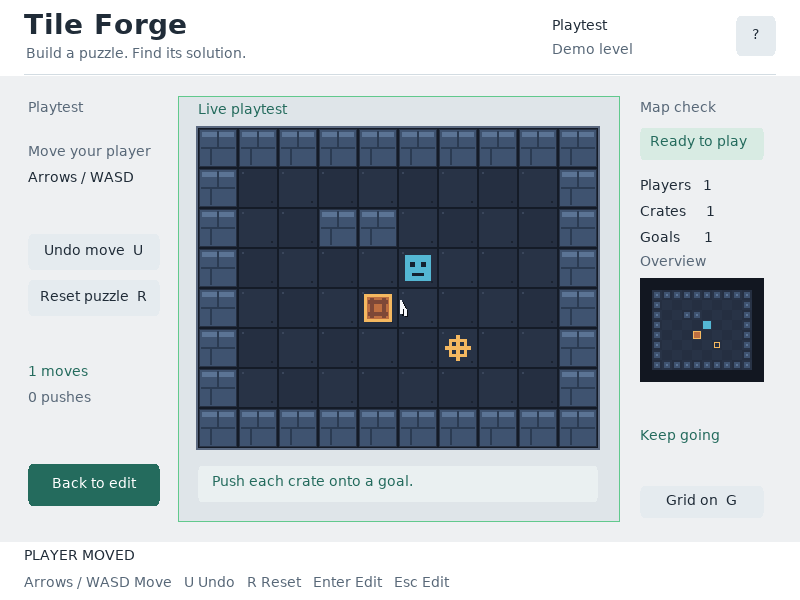
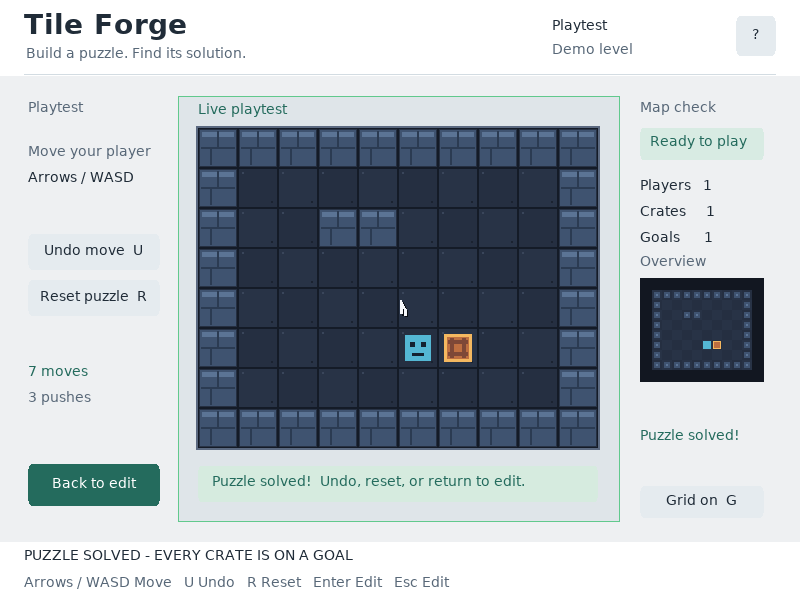
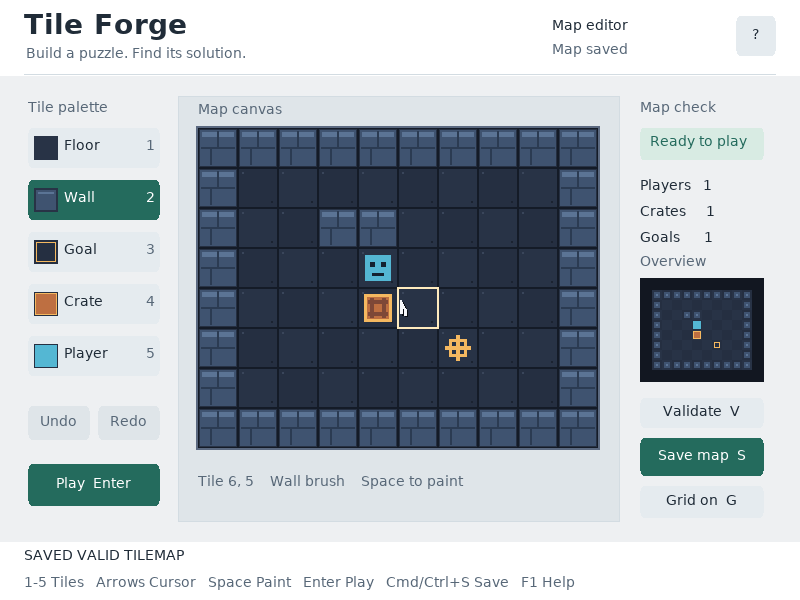
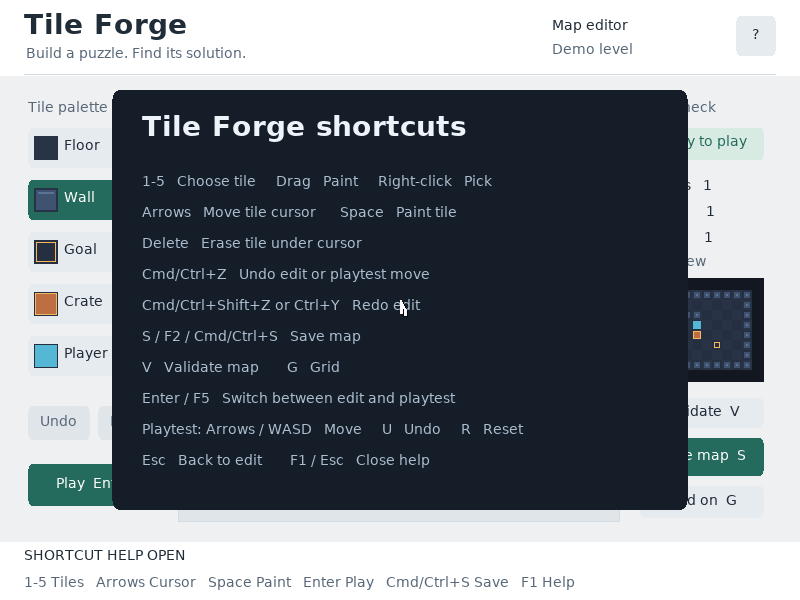
What it demonstrates
Layered editing, map invariants, bounded parsing and serialization, keyboard movement and a separate playtest state. Invalid drafts can be saved and corrected.
Source: examples/tilemap_editor.c.
Refresh captures with the screenshot workflow.