Examples
Examples show where the labs lead. Each guide covers running the program, its controls, and captured states. Build all examples once with devenv shell -- lcom-ng-build.
Focused examples
| Program | Demonstrates |
|---|---|
hello | initialization, console output, clean exit |
timer_int | IRQ0 subscription and event waits |
rtc_date | CMOS ports, UIP, BCD conversion, fixed RTC |
keyboard_scan | IRQ1 and make/break scancodes |
mouse_packet | IRQ12, PS/2 enable/ACK, signed packet deltas |
vbe_rectangle | VBE mode, framebuffer map, pitch, present |
audio_tone | PCM mapping, synthesis, AC97-lite playback |
uart_loopback | UART loopback and RX interrupt |
uart_peer_sender + uart_peer_receiver | two hosted machines bridged by serial |
Project seeds
| Program | Guide | Demonstrates |
|---|---|---|
word_processor | Notes | editor loop, cursor state, text wrapping |
music_maker | Pocket Composer | tracker grid, tempo, playhead, PCM |
breakout_demo | Breakout | timer physics, keyboard state, collision |
flappy_bird | Flappy Bird | compact game loop, replay, capture |
ninjix | Ninjix | larger port with input, graphics, UART multiplayer |
Showcase studios
Seven Showcase Studios are project-scale tools: a sprite editor, a level editor, paired UART collaboration and transfer, a focus clock, an interrupt monitor, and an RTC-aware aquarium. Each has an 800×600 interface, a canonical command, captured evidence, and a full control table.
Screenshots
Real captured frames from the included examples:
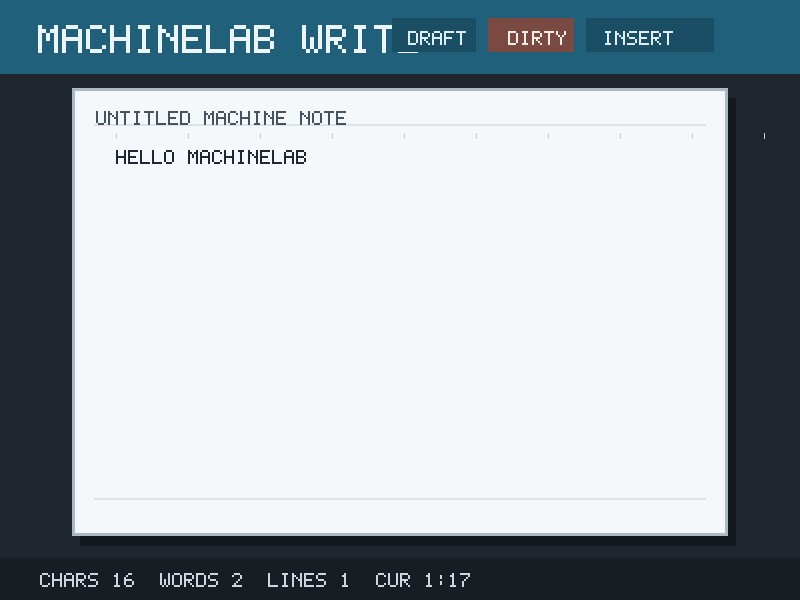
word_processor: text editing, file saving, cursor state, and wrapping.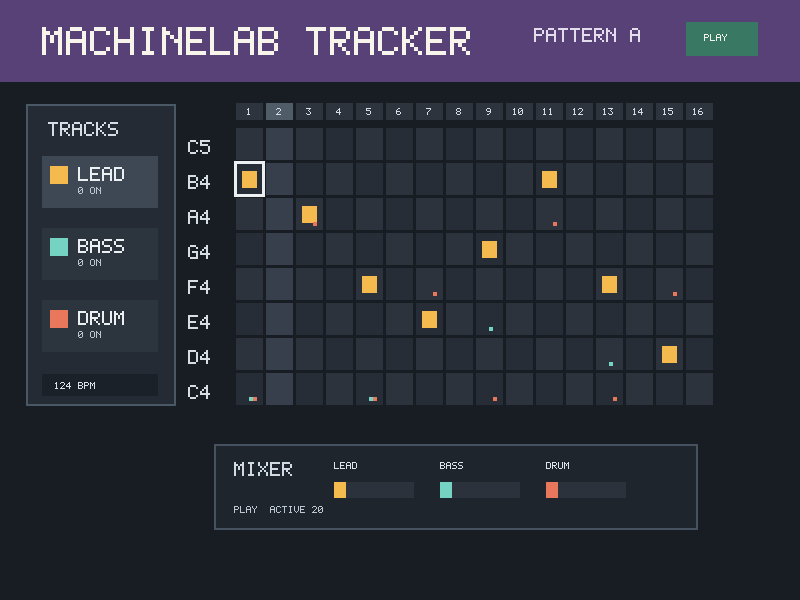
music_maker: note grid, Space transport, instruments, and PCM output.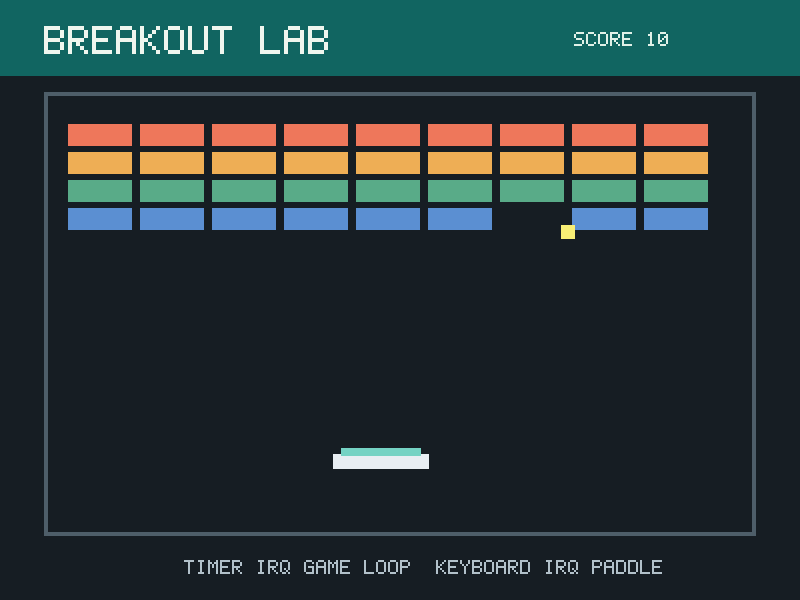
breakout_demo: timer physics, keyboard state, collision, and HUD.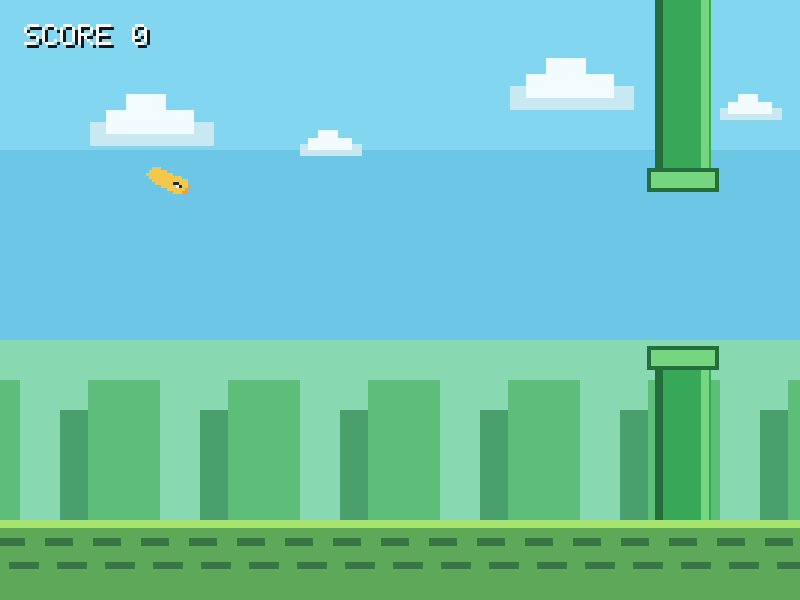
flappy_bird: compact game loop, replay capture, and audio hooks.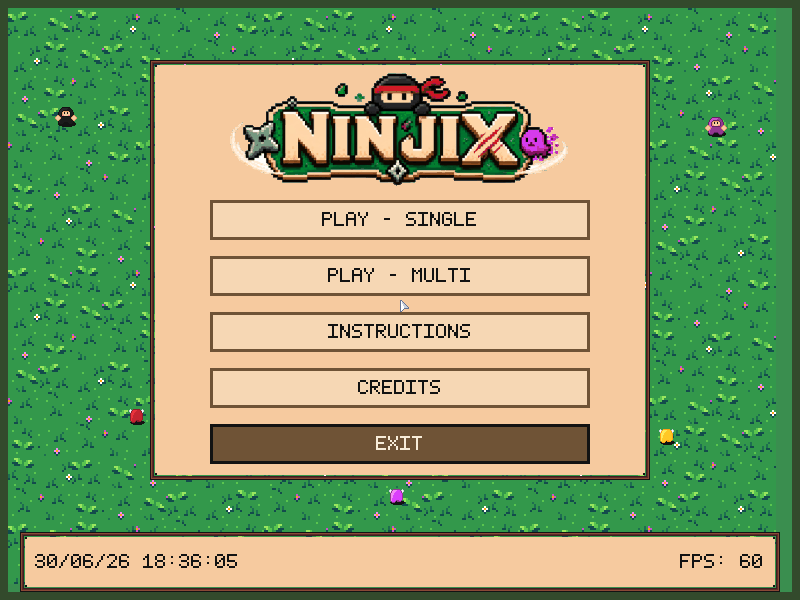
Regenerate these overview images with devenv shell -- sh scripts/capture_marketing_examples.sh. Per-app galleries come from the screenshot workflow.
Canonical commands
lcom-ng run --headless --script scripts/write_note.mlabscript \
  --dump-frame build/write.ppm -- build/examples/word_processor

lcom-ng run --headless --script scripts/music_maker_demo.mlabscript \
  --audio-wav build/music.wav --dump-frame build/music.ppm -- build/examples/music_maker

lcom-ng run-pair --headless build/examples/uart_peer_sender \
  --right build/examples/uart_peer_receiver --max-ticks 800
Explore each example
| Creative tools | Devices in action | Games |
|---|---|---|
| Notes | Focus Clock | Breakout |
| Pocket Composer | Interrupt Scope | Flappy Bird |
| Pixel Studio | Shared Whiteboard | Ninjix |
| Tile Forge | Serial Transfer | Plants vs. Zombies |
| Ambient Aquarium |
On macOS use Cmd where a shortcut says Cmd/Ctrl; use Ctrl on other hosts. Esc closes help before leaving an app. Cmd/Ctrl+W closes an app. Save, undo and export shortcuts are listed on each guide.