Shared Whiteboard
Two independent drawing desks share one board over a virtual serial cable. Each peer keeps its own ink, cursor and status while remote strokes appear in the same canvas.
Run it
Build examples with devenv shell -- lcom-ng-build, then:
sh
lcom-ng run-pair build/examples/serial_whiteboard left \
  --right build/examples/serial_whiteboard right
Controls
- Mouse drag: draw.
1-5: ink.Shift+arrows: draw with the keyboard. G: grid.C: clear both boards.S: resync.R: reconnect.F1: help.
In the app
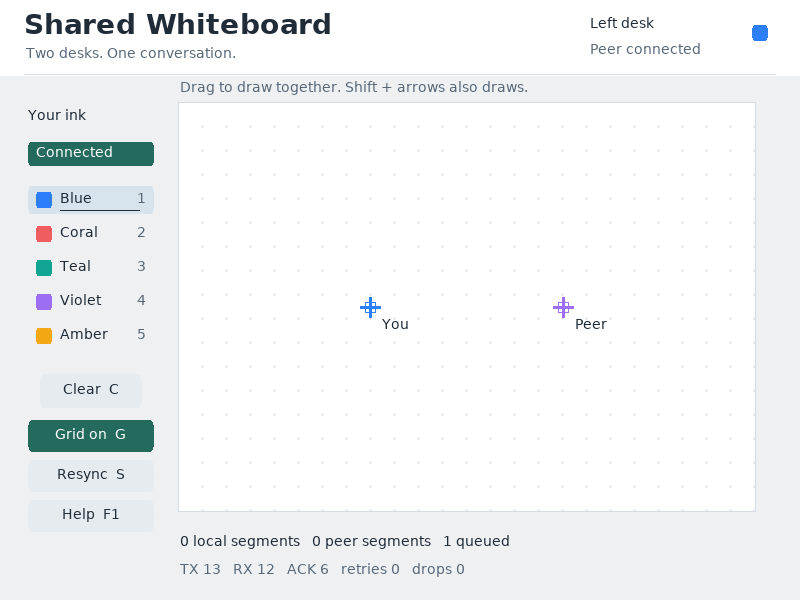
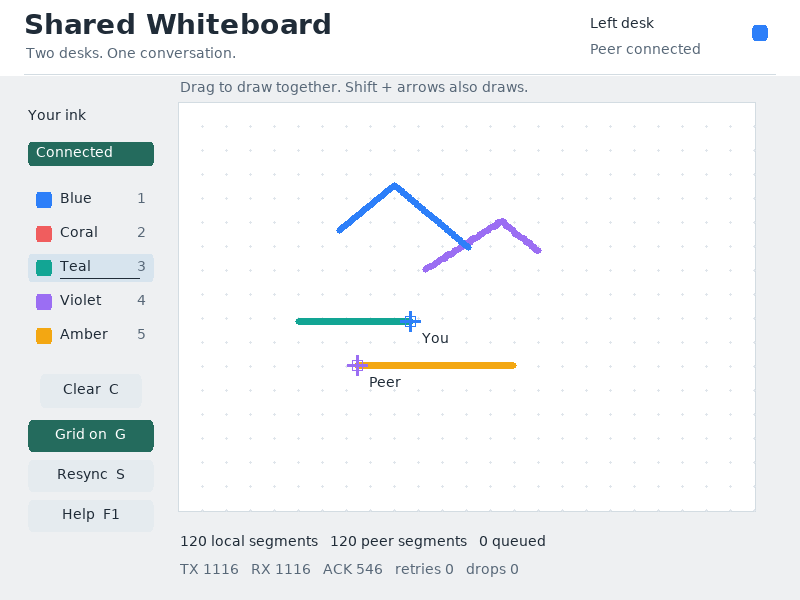
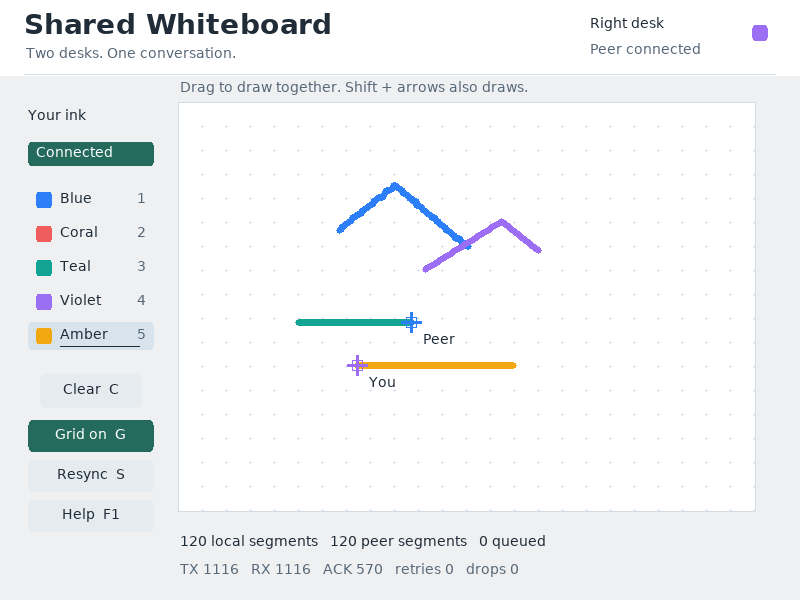
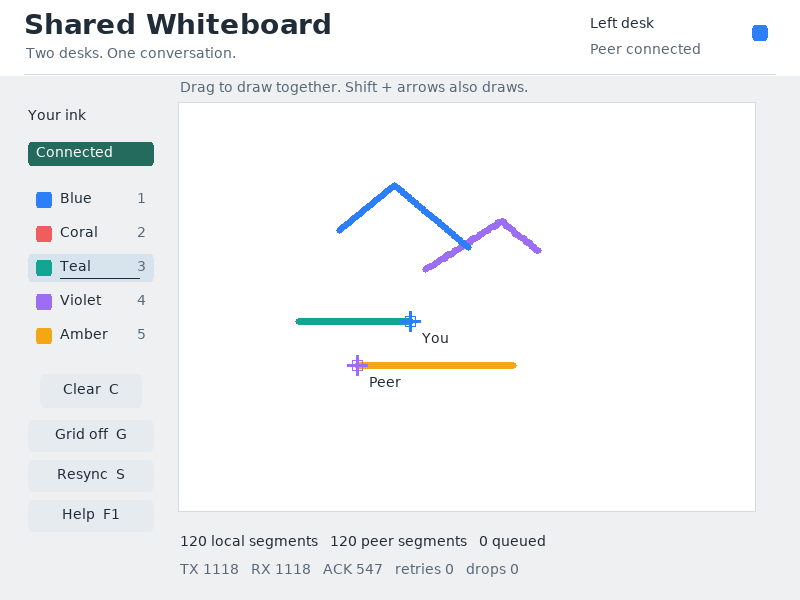
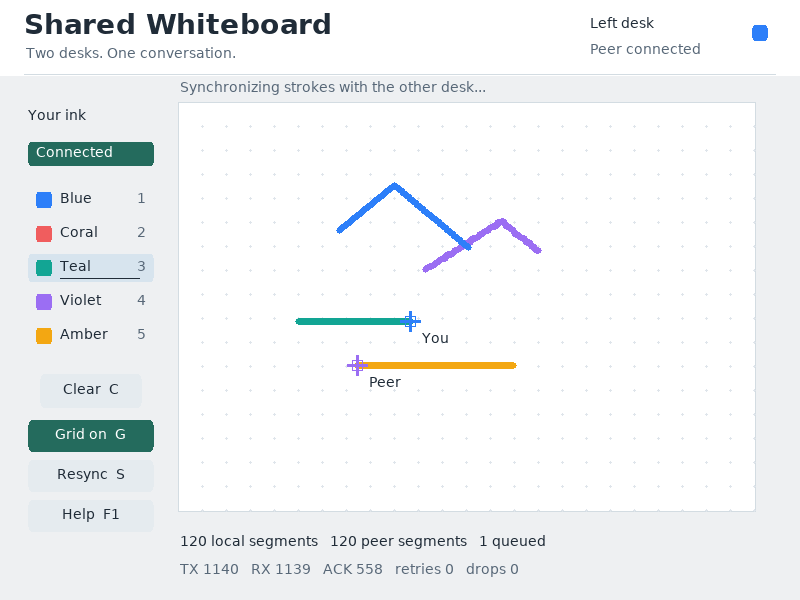
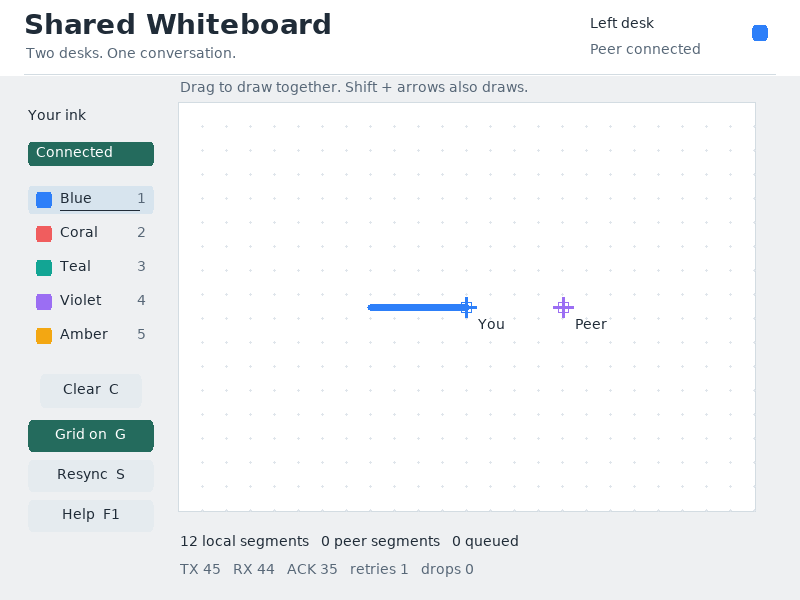
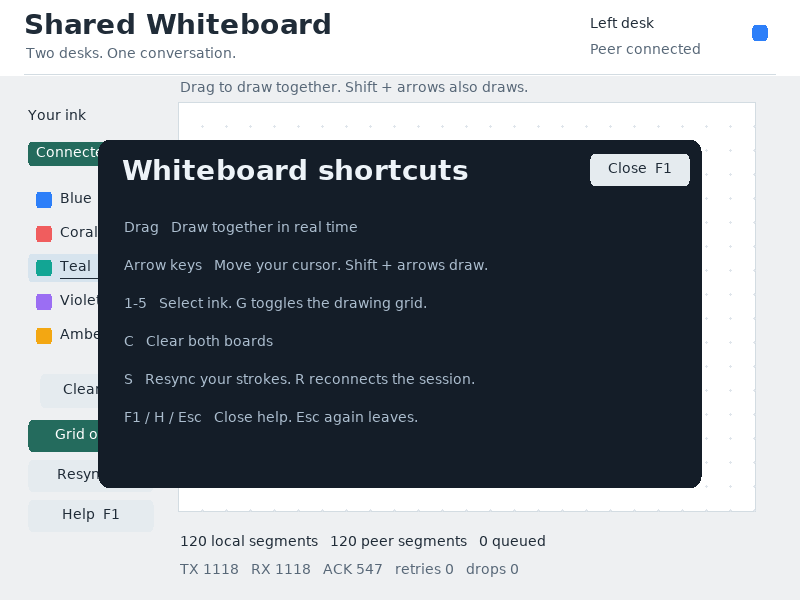
What it demonstrates
UART framing, sequence numbers, reconnect and resync, PS/2 input, local ownership and shared rendering. Both windows must stay open.
Source: examples/serial_whiteboard.c.
Refresh captures with the screenshot workflow.