lcom-ngRun your LCOM project. Skip the VM.
Build the same C sources on your computer, or start fresh with the native SDK. Labs, games, keyboard, mouse and audio.
Build the same C sources on your computer, or start fresh with the native SDK. Labs, games, keyboard, mouse and audio.
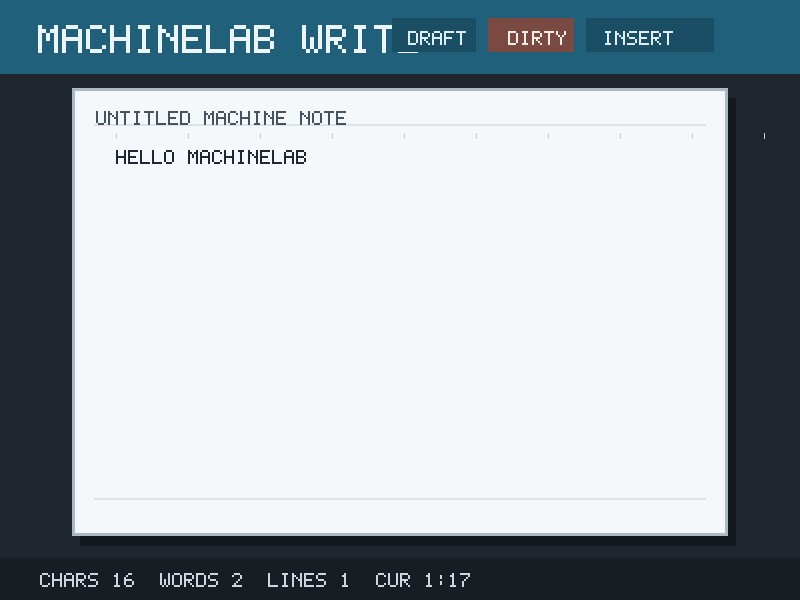
Keep the original source tree. In the folder containing the Makefile:
lcom-ng compat build .
lcom-ng run -- .lcom-ng/proj
Use the binary path printed by the builder, named after PROG in your Makefile.
lcom-ng setup student
cd student && make
lcom-ng run -- build/student_project
Write in proj/, implement labs/, and run lcom-ng test rtc; fresh TODO labs fail until implemented.
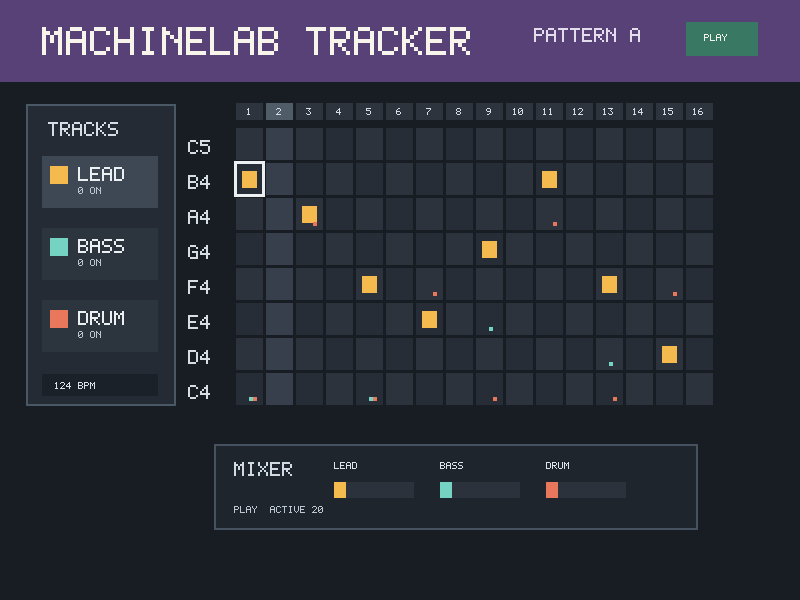
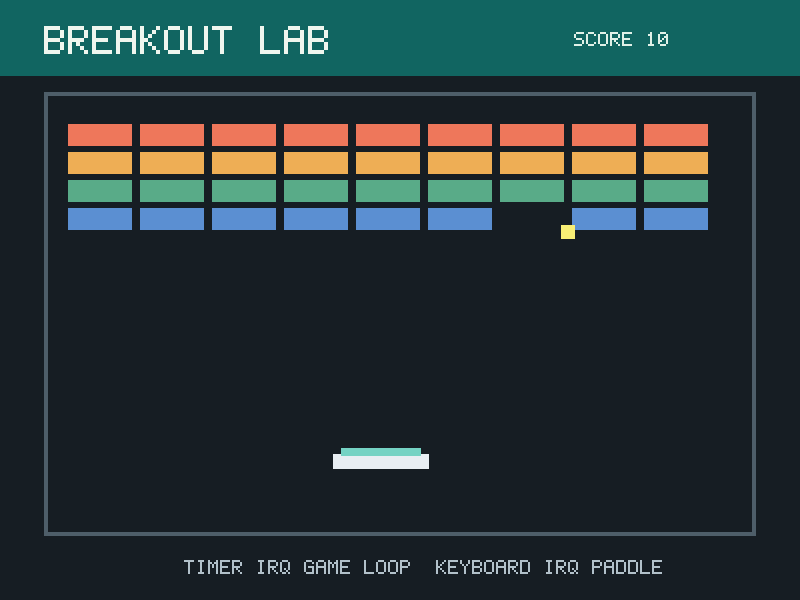
Seven native labs cover the computer architecture and devices behind RTC, timers, keyboard, mouse, graphics, audio and UART.
| What you need | Where to start |
|---|---|
| A working installation | Download and install |
| An existing game or original lab | Compatibility quick start |
| Native exercises and checks | Lab track |
| Ideas for a final project | Examples |
| Material for a class | Instructor adoption guide |
| Runtime and release development | Developer guide |