Ninjix
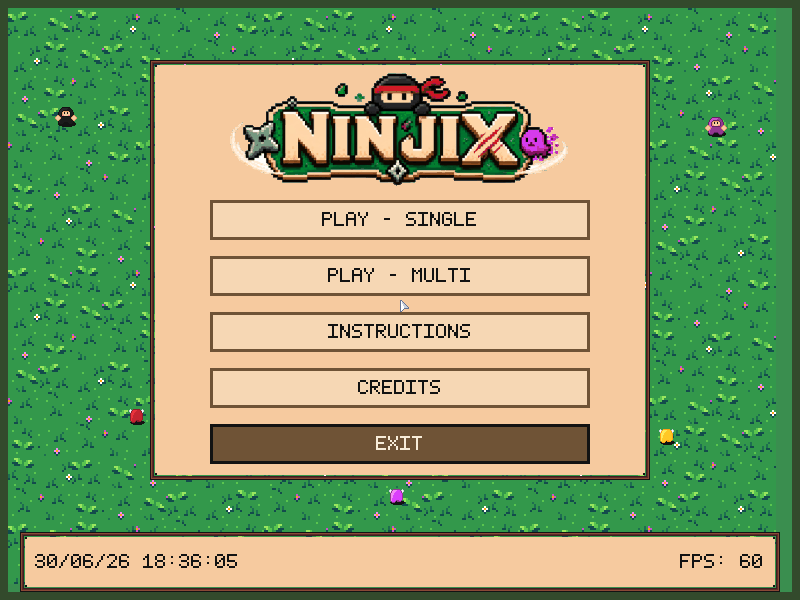
The larger game port included with lcom-ng. It came from an earlier Minix final project and shows the application structure the labs lead to.
What it exercises
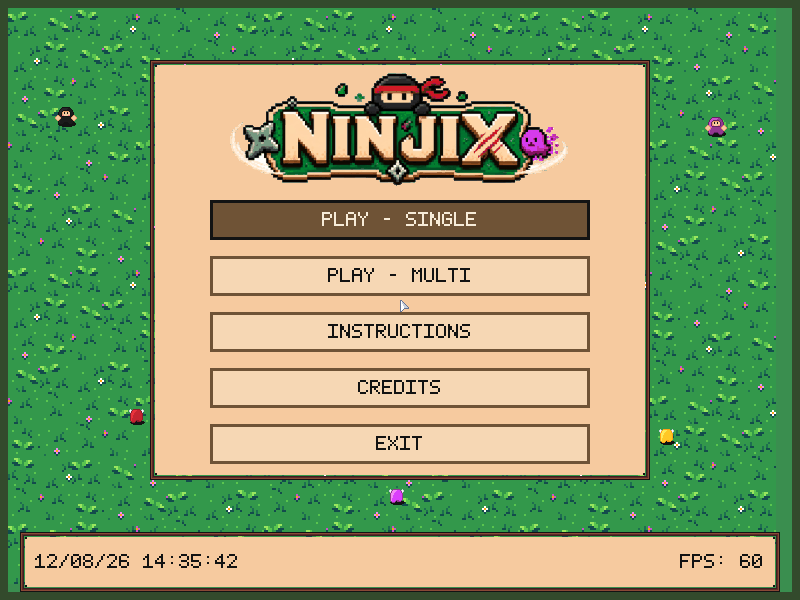
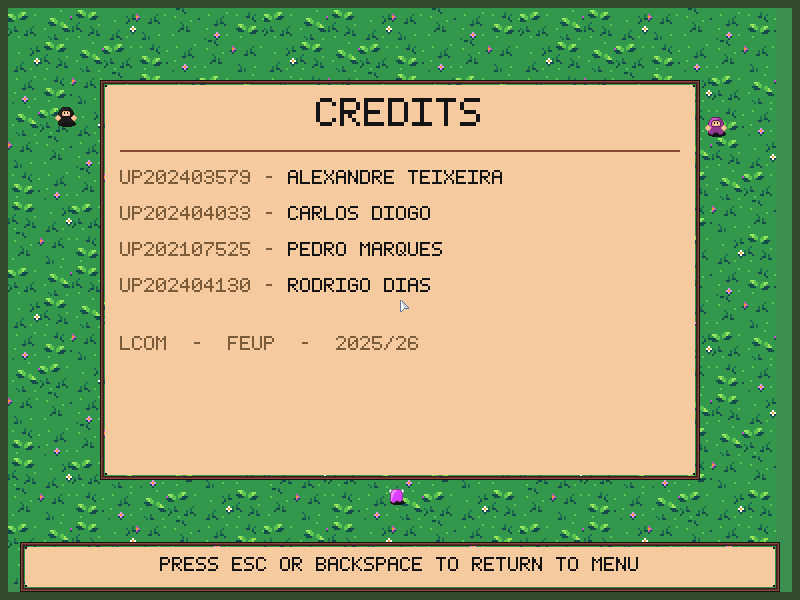
Keyboard and mouse input, framebuffer rendering, menus and HUD text, profiling, reusable device libraries, a UART multiplayer protocol, and paired execution.
The game separates input translation, rendering and game state, drives progression with timers, and uses deterministic smoke scripts.
Run it
lcom-ng run -- build/examples/ninjixMultiplayer:
lcom-ng run-pair build/examples/ninjix --right build/examples/ninjixIn both windows, select Multiplayer, then choose opposite ATTACK and DEFEND roles.
Fast deterministic smoke test:
lcom-ng run-pair --headless build/examples/ninjix \
  --right build/examples/ninjix --max-ticks 900
Longer authored demo:
lcom-ng run --headless --script scripts/ninjix_level1_demo.mlabscript \
  --dump-frame build/ninjix.ppm -- build/examples/ninjix
Controls
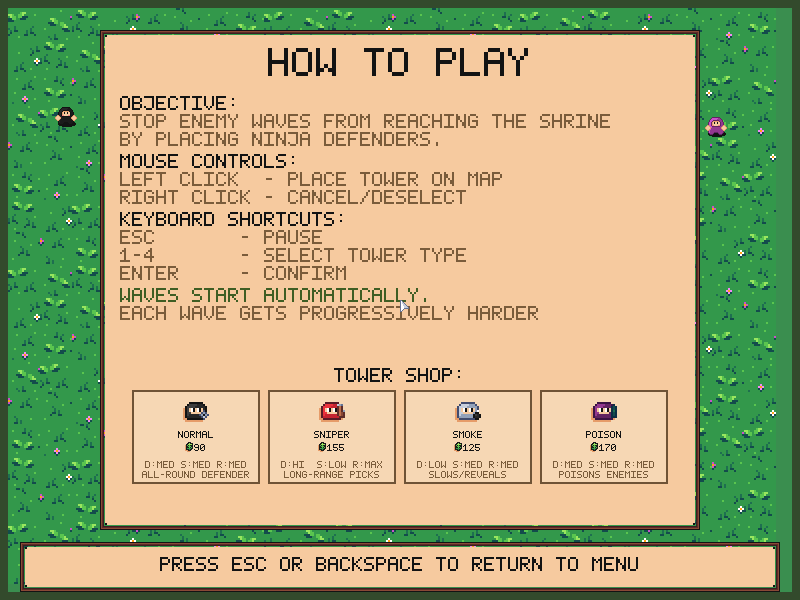
1-4choose a ninja type; click the lawn to place or select one.- Right click cancels placement. Select a placed ninja to upgrade, sell or retarget.
Escpauses or resumes.Nskips to the next level in singleplayer.- Menus: Up/Down or W/S, Enter to confirm, Esc or Backspace to go back.
Teaching notes
Use Ninjix as a final-project reference for state-machine size, the input and application boundary, rendering helpers, serial protocols in a game, and keeping a project demoable and testable. It is evidence of target scale, not the starter template or minimum expected project.
In the game
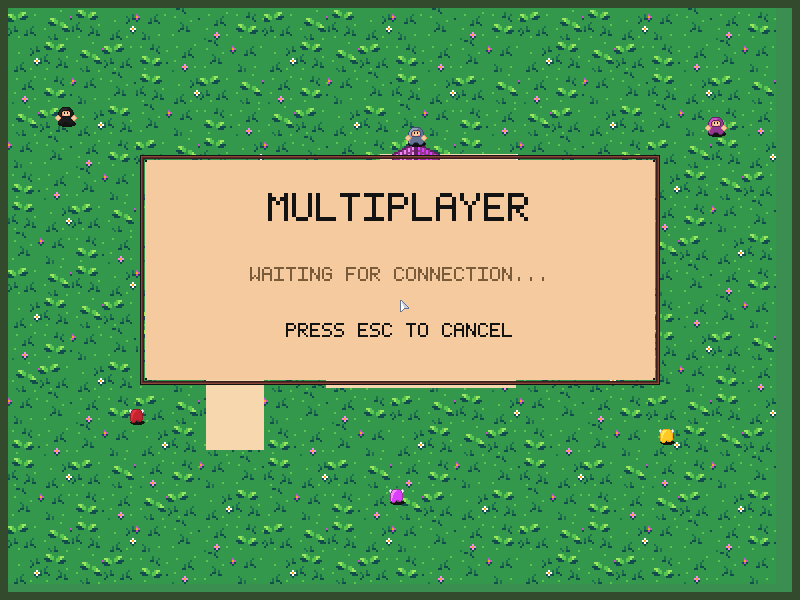
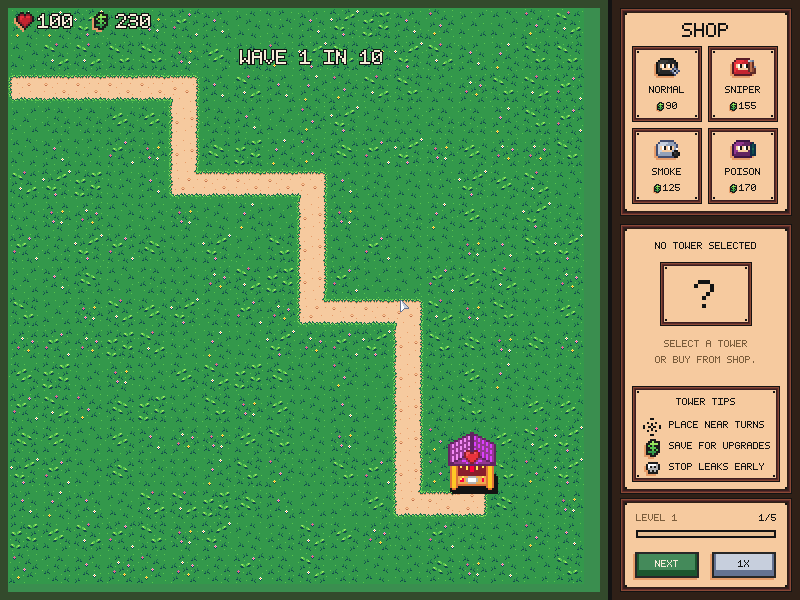
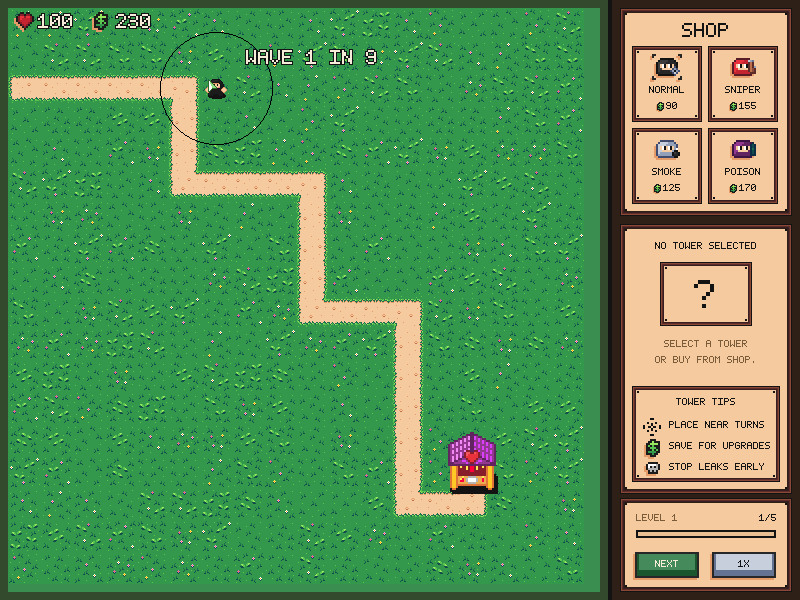
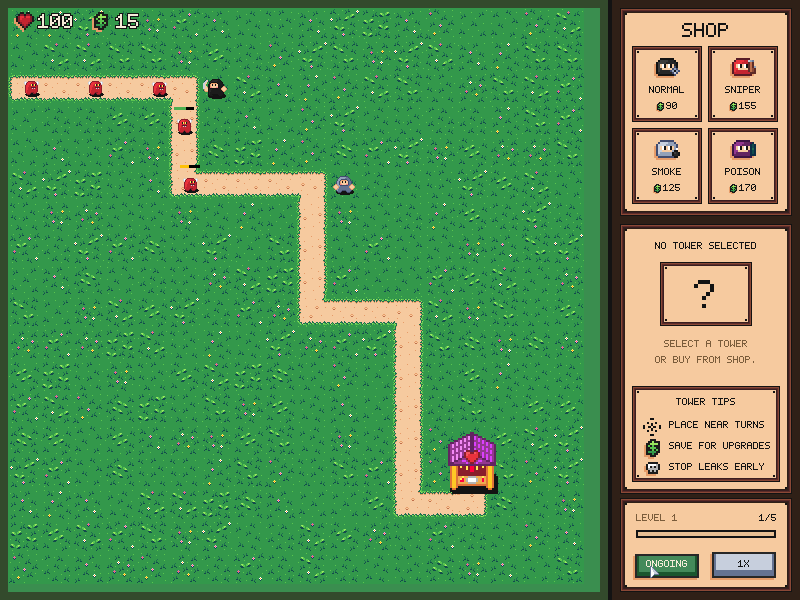
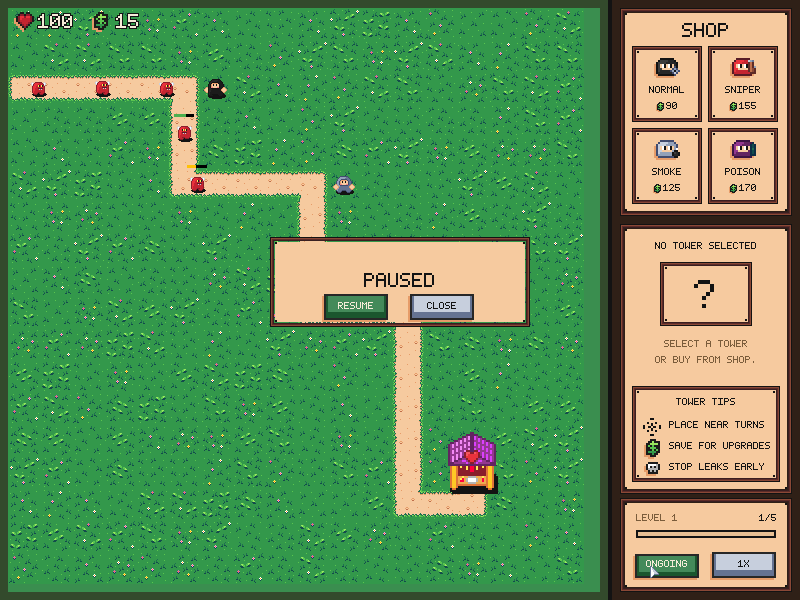
Source: examples/ninjix/.
Refresh captures with the screenshot workflow.