Plants vs. Zombies
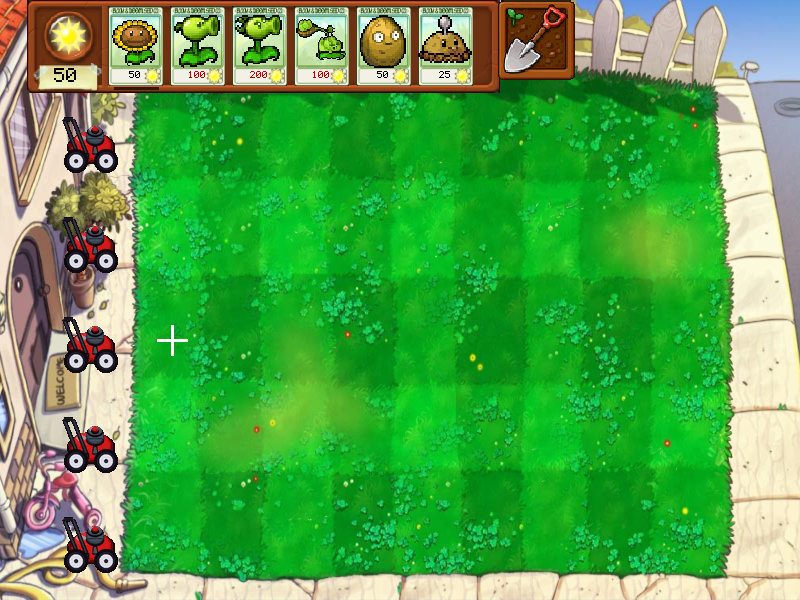
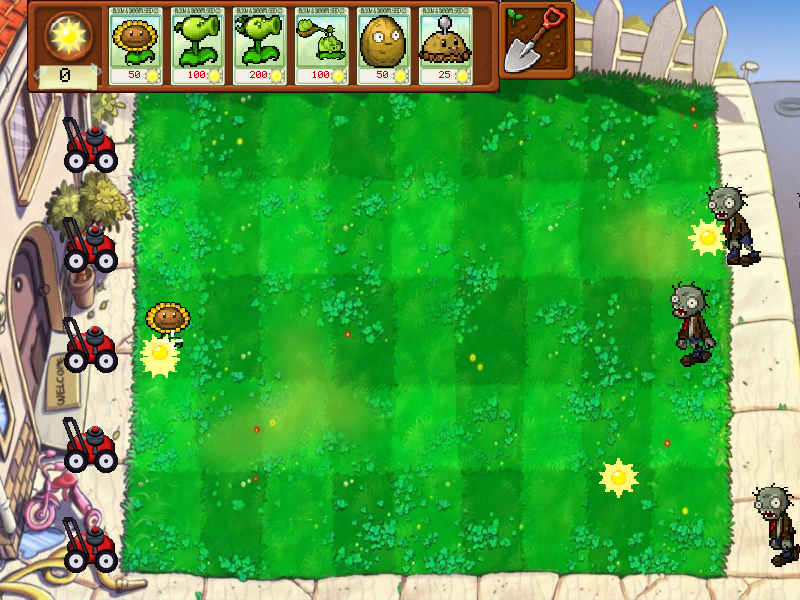
The original student project, with its menus, bitmap font, seed-selection grid and lawn HUD. The native example keeps the platform adapter needed outside Minix.
Run it
Build examples with devenv shell -- lcom-ng-build, then:
sh
lcom-ng run -- build/examples/pvzControls
- Use the Start Game button, or Enter twice, to open plant selection.
- Pick six plants with arrows and Enter, or drag seeds into deck slots. Space starts the lawn.
- 1 to 6 selects a seed; arrows move the target; Enter or Space plants. Mouse selection and placement also work.
- Click suns to collect them. S selects the shovel; Escape or right click cancels a held action.
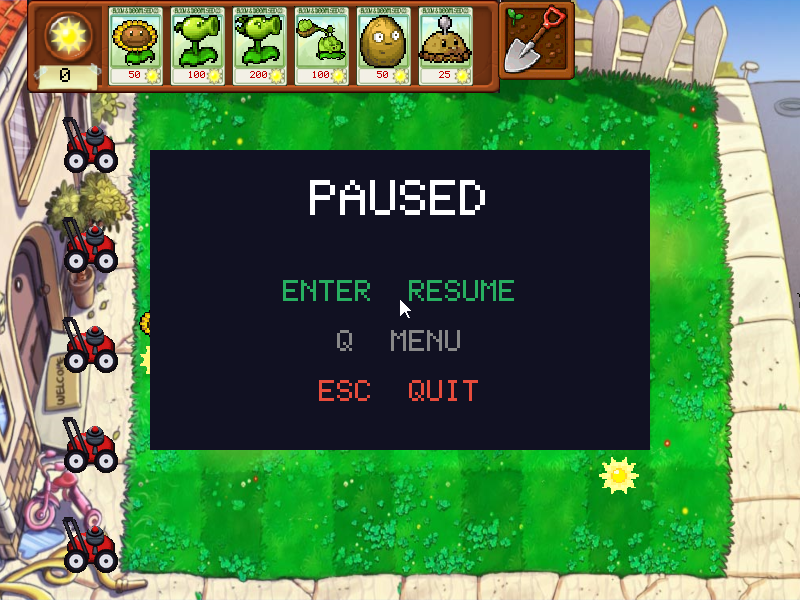
- Escape pauses. Enter resumes; Q returns to the menu while paused; Escape quits from pause.
In the app
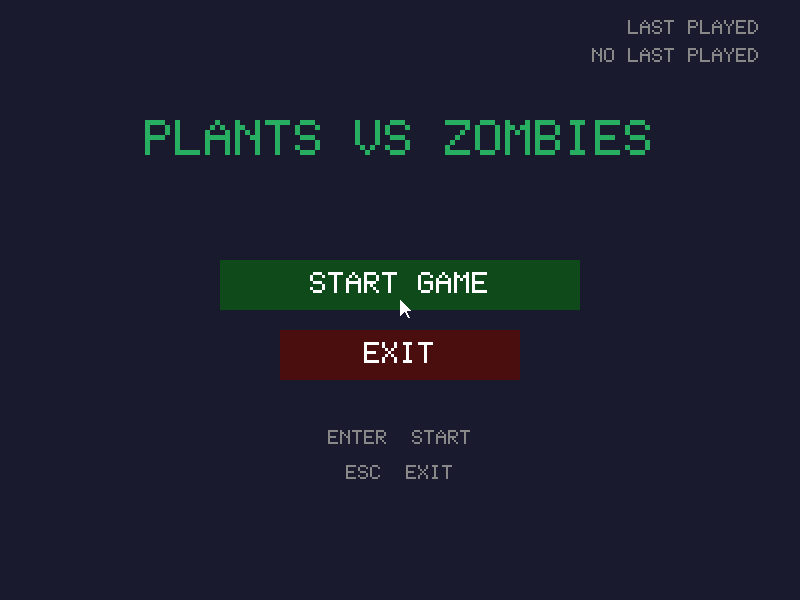
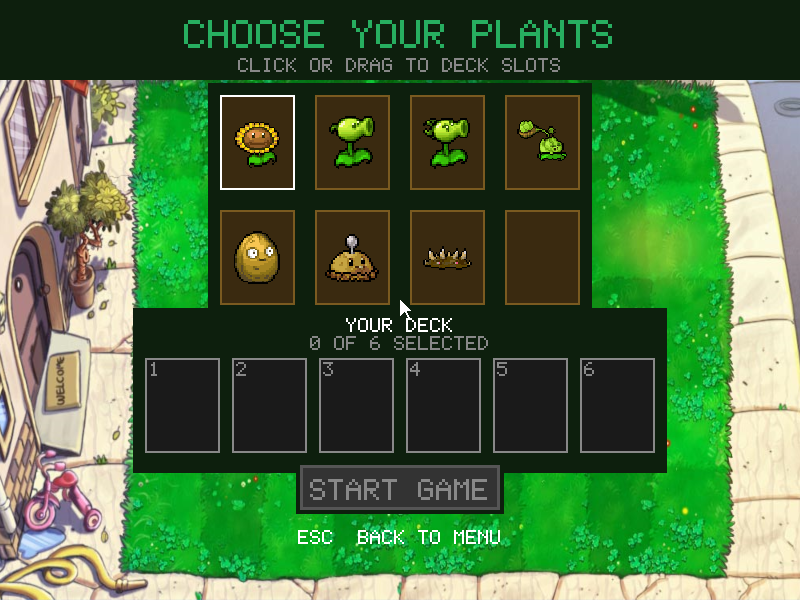
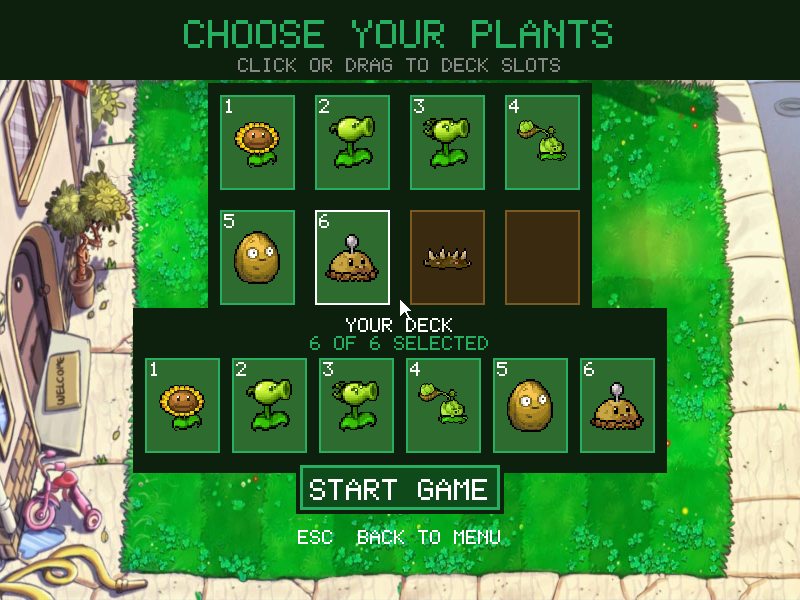
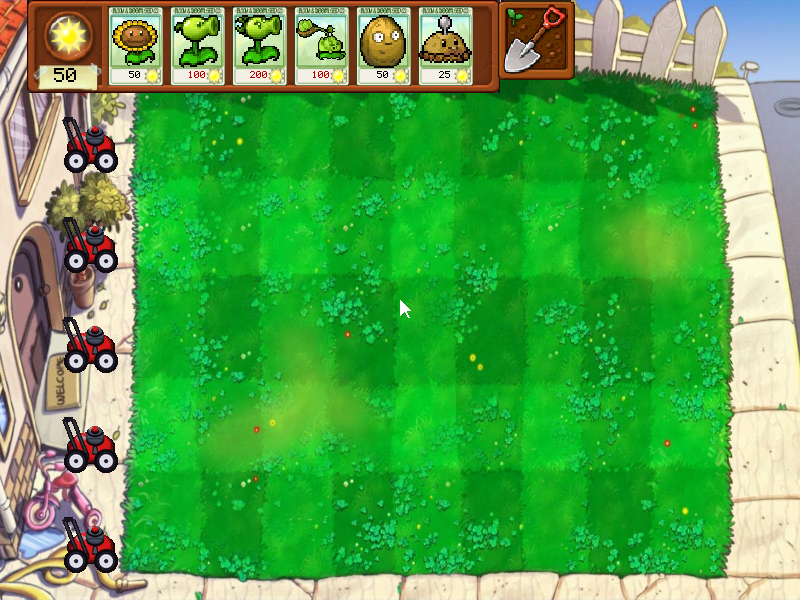
What it demonstrates
Mouse targets, keyboard menus, sprite rendering, resource costs, timed enemies, projectiles and application state. The demo keeps the original art and supported plant set.
Source: examples/pvz/.
Refresh captures with the screenshot workflow.